
AI Workflow Automation for Small Business: Tools, Use Cases & Implementation
Learn how to implement AI workflow automation in your small business. Compare top tools, explore real use cases, and cut repetitive tasks without an IT team.
Most small businesses treating automation as scheduled emails or auto-replies are leaving their biggest efficiency gains untouched. AI workflow automation interprets unstructured inputs, adapts routing logic, and refines decisions over time. This guide covers the tools, use cases, and a practical implementation path sized for lean Canadian SMB teams.
What Is AI Workflow Automation? (And Why It's Different From Basic Automation)
Most small businesses still treating "automation" as a synonym for scheduled emails or auto-replies are leaving their biggest efficiency gains on the table. AI workflow automation is not simply faster rule-following; it can interpret unstructured input, adapt routing logic, and improve its own decisions over time in ways traditional tools cannot. For Canada's AI adoption context, the Pan-Canadian AI Strategy published guidance in 2024 that frames this shift as central to SMB competitiveness.
How does AI workflow automation differ from traditional rule-based automation?
Rule-based automation executes a fixed if/then decision tree with zero inference capability. The foundational unit is a trigger-action pair: an event occurs, a pre-written action fires. Nothing is interpreted; nothing adapts. AI-augmented workflows break that rigidity by inserting a machine learning or language-model step between trigger and action. As of 2024, mainstream workflow platforms began shipping these AI steps natively, meaning a small business can now add classification, sentiment detection, or text extraction without writing a single line of code.
Key components of an AI-powered workflow: triggers, logic, actions, and feedback loops
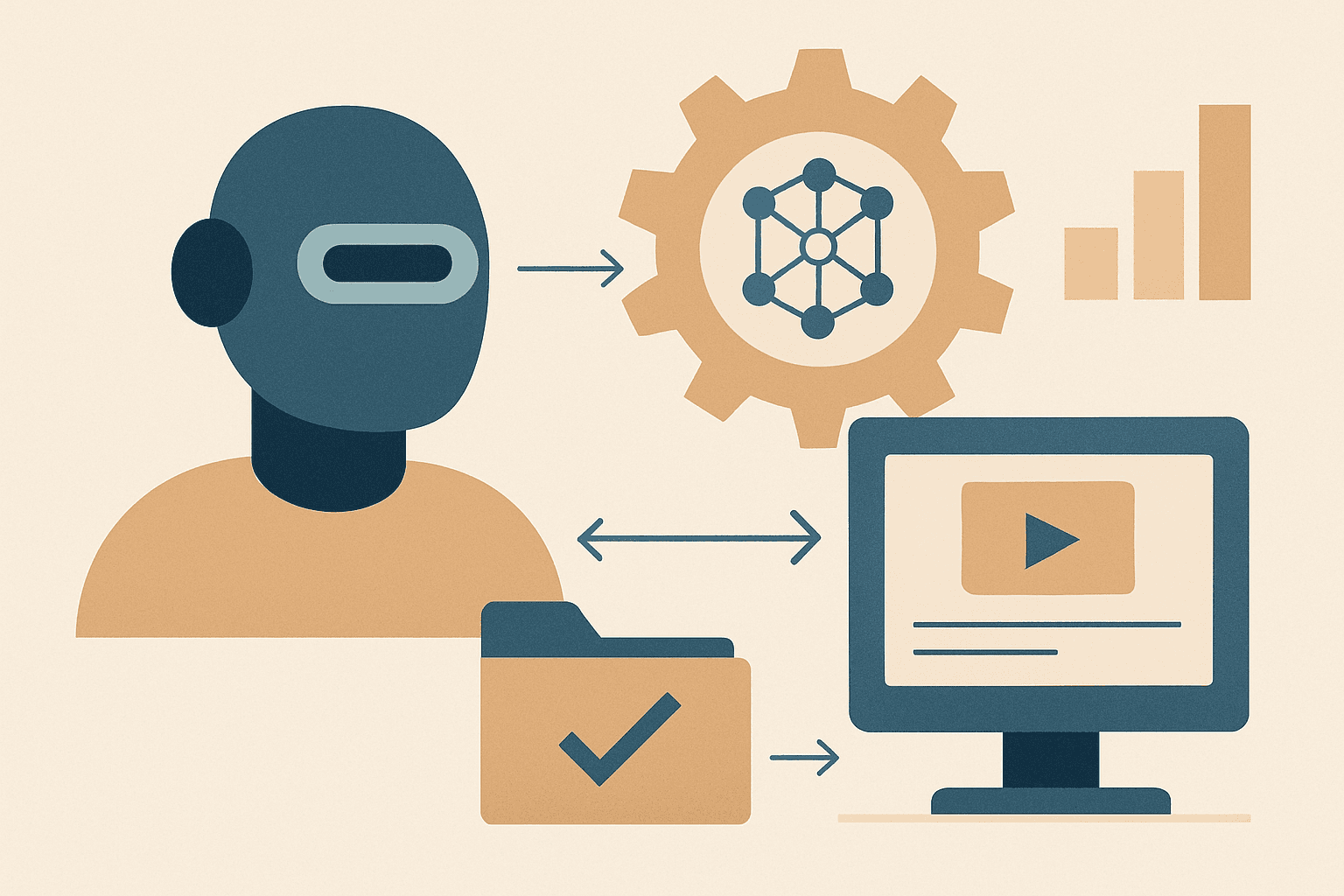
An AI-powered workflow has four layers:
- Trigger: The event that starts the workflow, such as a new inbound lead form submission, an incoming support email, or a completed payment.
- Logic layer: The AI inference step that classifies, extracts, or generates, such as scoring a lead's intent from free-text input or pulling a dollar amount from a scanned PDF.
- Action: The output step, such as writing a CRM entry, sending an email, or posting a Slack notification. Data flows from the logic layer directly into this step.
- Feedback loop: Results, such as whether the lead converted or the ticket was resolved, are returned to improve future routing decisions, tightening accuracy with each cycle.
Where does AI fit versus RPA and iPaaS for small businesses?
RPA (robotic process automation) vendors such as UiPath and Automation Anywhere operate at the screen and UI level, mimicking mouse clicks and keystrokes. iPaaS platforms such as Zapier and Make operate at the API level, passing structured data between connected apps. AI automation adds an inference layer on top of either approach. For most small businesses, iPaaS combined with AI steps is the practical starting point because RPA licensing can begin at several hundred dollars per bot per month, making it impractical for teams under 10 people where the cost-to-benefit ratio rarely closes.
Real Benefits of AI Workflow Automation for Small Businesses
McKinsey research has estimated that automation technologies could reduce time spent on repetitive tasks by roughly 30 to 40 percent in small-to-midsize operations. That is not a ceiling or a promise; it is a credible baseline. For a lean Canadian SMB where the owner is also the operations manager, even a 20 percent reduction in administrative load can reclaim a meaningful number of billable hours each week.
Time savings: what does eliminating repetitive tasks actually look like in practice?
Consider a small e-commerce business that manually copies order data from email into a CRM. At roughly 3 minutes per order and 40 orders per week, that single task consumes 2 hours every week, more than 100 hours per year. A simple workflow eliminates it entirely. The same logic applies across the business: reading how to automate sales follow-up emails shows how a single sequence replaces hours of manual outreach. The keyword here is not speed; it is the systematic removal of repetitive task execution from the owner's calendar so that time compounds elsewhere. You can automate business processes at a surprisingly low technical bar using today's iPaaS tools.
Cost impact for lean Canadian SMB teams operating without a dedicated IT department
Paid automation platforms typically start at $20 to $50 CAD per month. Weighed against even 2 hours per week of recovered owner time at a $75/hr opportunity cost, the platform pays for itself within the first week of the month. Canadian businesses should note that GST/HST applies to most SaaS subscriptions, which affects the true monthly outlay, but the operational math still favours adoption decisively. For lean team structures without a dedicated IT department, low-code platforms are not a luxury; they are the only realistic path to scaling output. These businesses can deploy functional workflows within a single afternoon.
Accuracy and consistency gains across customer-facing and back-office processes
Manual data entry carries documented error rates of 10 to 30 percent depending on task complexity and volume. Two examples illustrate the contrast sharply. First, automated invoice data extraction pulls vendor name, amount, and due date from a PDF and writes them to accounting software in under 30 seconds, with no transposition errors. Second, automated lead routing ensures every inbound customer lead is logged in the CRM within 60 seconds of submission, regardless of time of day. Consistent action on every record also reduces compliance exposure; an approach aligned with NIST guidance recognises that consistency in data handling is itself a risk-management practice.
Scaling output without scaling headcount
A workflow runs continuously at no marginal cost per execution. One well-built Zapier or Make scenario can handle hundreds of task executions per month that would otherwise require part-time staff hours. This is the core economic case for workflow automation: the marginal cost of the 500th execution is identical to the cost of the first. As a small business grows its lead volume, its invoice count, or its support queue, the same platform absorbs the increase without a proportional increase in payroll. The business can automate its way to higher throughput before it ever needs to hire for the work.
High-Value AI Automation Use Cases for Small Business Operations
Picture a 6-person marketing agency in Toronto. Every Monday morning, the founder spends 3 hours manually routing 30 inbound leads, copy-pasting contact details between her inbox and CRM, and drafting individual follow-up emails. Then she builds 3 workflows over a single Friday afternoon, and by the following Monday, all of it is done before her first coffee. That shift is not hypothetical; it is repeatable across virtually any service-based small business.
Five workflow areas where small businesses recover the most time:
- Lead qualification and follow-up
- Invoice and expense processing
- Scheduling and booking coordination
- Content scheduling and repurposing
- Support ticket triage and first response
Customer intake, lead qualification, and follow-up sequences
A form submission or inbound email acts as the trigger. An AI classification step scores the lead's intent and segments by product interest or geography, then writes a CRM entry and launches a personalised follow-up email sequence, all within seconds. Research cited by Harvard Business Review suggests responding to a lead within 5 minutes versus 30 minutes can improve contact rates by up to 100 times. Exploring AI lead qualification for small teams provides a practical framework for building this exact sequence without developer support. The lead never waits; neither does the owner's attention.
Invoice processing, expense categorisation, and accounts payable
OCR combined with AI extraction can pull vendor name, total amount, and due date from a PDF invoice and post the structured record to accounting software such as QuickBooks or Xero in under 30 seconds. Compare that to the industry average of 10 to 15 minutes of manual work per invoice. A business processing 50 invoices per month recovers 8 to 12 hours that previously required focused human attention. The data is cleaner, the task is done faster, and the owner can automate the approval step for invoices under a threshold amount while flagging anomalies for human review.
Scheduling, booking confirmations, and internal meeting coordination
A tool such as Calendly serves as the trigger layer. When a prospect selects a time slot, an AI step parses their stated preferences or time-zone data from the booking form, then the action fires: a calendar event is created, a branded confirmation email is sent, and a CRM note is written automatically. For a service business fielding 20 booking requests per week at 5 minutes of manual coordination each, that workflow recovers roughly 1.7 hours weekly, 6 to 7 hours per month, without a single manual step. The customer experience is faster and more consistent than any human-managed process at that volume.
Social media content scheduling and repurposing
A blog post published on the company site triggers an AI step that drafts 3 platform-adapted social posts from the article content. Those drafts route to a team member for a 2-minute approval before the workflow pushes them to Buffer or Hootsuite for scheduled publishing. This human-in-the-loop design is deliberate: the tool handles the draft labour while a human preserves brand voice and flags anything off-message. The net result is a consistent content cadence without the hours of manual reformatting that most small business owners automate last, if at all.
Support ticket triage and first-response handling
Incoming support emails are classified by an AI step that reads urgency signals and category keywords, then routes the ticket to the appropriate customer service team member and fires a first-response template within 2 minutes of receipt. For security considerations for automated data handling, NIST's small business cybersecurity resources are worth reviewing because ticket data frequently contains sensitive customer information including order history and payment references. The action is fast; the email is personalised by injecting the customer's name and issue category; the task of manual triage disappears. Full AI resolution without human review is not appropriate for complex or sensitive issues, and any well-designed workflow builds in escalation paths.
Best AI Workflow Automation Tools for Small Businesses in 2025
With dozens of platforms claiming to "automate everything," how does a small business owner with limited time and no engineering team actually choose? The answer starts with understanding what each tool is optimised for, because picking the wrong platform early costs more in rework and lost momentum than the tool itself ever would.
How to read this comparison: criteria used to evaluate each platform
Five criteria drive the evaluation below: (1) native AI step availability within the builder, (2) integration breadth across the app ecosystem, (3) pricing model and how costs scale with volume, (4) technical expertise required to build and maintain workflows, and (5) support and documentation quality. When structuring your business processes for automation, the SBA's business structure guide is a useful adjacent resource for ensuring your operational design aligns with your legal structure. The comparison tool table follows immediately.
| Tool | Best for | Free tier | Paid plan starts at | AI-native steps | Technical skill required |
|---|---|---|---|---|---|
| Make | Visual multi step workflows with branching logic | 1,000 ops/month | ~$9 USD/month | Yes (OpenAI, LLM modules) | Low to moderate |
| Zapier | Broadest app integration coverage | 100 tasks/month | $19.99 USD/month | Yes (AI by Zapier) | Low |
| n8n | Self-hosted control and privacy | Free (self-hosted) | ~$20 USD/month (cloud) | Yes (LLM nodes) | Moderate to high |
| Power Automate | Microsoft 365 ecosystem integration | Included in M365 | $6 USD/user/month (M365) | Yes (AI Builder) | Low to moderate |
| Outport AI | Small business lead and customer workflow automation | Contact for details | Contact for details | Yes (purpose-built) | Low (no-code) |
Make (formerly Integromat): visual builder with strong AI module support
Make's canvas-based visual builder lets a non-technical user map out a multi-step workflow by dragging and connecting modules on screen. The free tier provides 1,000 operations per month, which is sufficient for a small business testing its first automations. AI modules supporting OpenAI and other large language model calls are available natively, meaning a user can add a "summarise this email" or "classify this lead" step without leaving the builder. Paid plans start at approximately $9 USD/month. Make is particularly strong for business process automation scenarios that involve branching logic and conditional routing across many connected apps. The tool scales well as workflow complexity grows.
Zapier: breadth of integrations with AI steps built into the flow
Zapier connects more than 7,000 apps as of 2025, making it the broadest integration platform available to small businesses. AI steps branded as "AI by Zapier" and "Zapier Chatbots" are built directly into the flow builder, so adding a classification or generation step requires no additional API configuration. The free tier covers 100 tasks per month; paid plans start at $19.99 USD/month. Zapier is the strongest choice for businesses with heterogeneous app stacks where the priority is connecting existing tools quickly. As a practical example, automating lead response time with Zapier requires minimal setup and delivers measurable results within days. The trigger fires, the action executes, and the email goes out without human involvement.
n8n: self-hostable option for teams with moderate technical comfort
n8n is open-source and can be self-hosted at zero software licensing cost, making it attractive for businesses where data privacy or customisation requirements are non-negotiable. The cloud-managed version starts at approximately $20 USD per month. Because self-hosting requires server configuration, n8n is best suited to teams with a developer or technically confident founder. The workflow builder supports large language model nodes natively, and the team retains full control over where data is processed. It is not the right starting point for a completely non-technical operational environment; for those contexts, Make or Zapier are more practical.
Microsoft Power Automate: practical choice if you're already in the Microsoft 365 ecosystem
Power Automate is included in Microsoft 365 Business Basic at $6 USD per user per month and higher tiers, making it a zero-marginal-cost platform for businesses already paying for M365. The AI Builder add-on for document intelligence and structured data extraction is available as an additional capacity block, priced for enterprise use; most SMBs instead rely on the bundled AI Builder credits month allocation that comes with qualifying M365 plans. The tool connects natively with Outlook, Teams, and SharePoint, which matters for businesses where those apps anchor the daily workflow. Microsoft Copilot integration, available as of 2024 to 2025, extends Power Automate's AI capabilities further for licensed user accounts.
Outport AI: purpose-built AI automation for small business workflows without the engineering overhead
Outport AI is built specifically for small business lead management, customer follow-up, and sales workflow automation. Rather than requiring users to wire together multiple third-party platforms, Outport AI consolidates the core business use cases into a single no-code environment. Setup does not require technical expertise, and the platform connects with CRM and email tools that Canadian small businesses already use. For a team focused on converting inbound leads, managing follow-up sequences, and keeping the CRM current without manual data entry, Outport AI removes the integration overhead that typically slows workflow deployment. It is worth reviewing the Outport AI blog for implementation guides tailored to small business contexts.
How to Choose the Right AI Automation Tool for Your Business
Choosing an automation platform without mapping your workflows first is like buying a commercial-grade espresso machine for an office that drinks 2 cups a day: technically capable, practically wasteful. The right tool is the one that matches your current stack, your team's skill level, and the business processes you actually need to automate in the next 90 days.
What questions should you ask before committing to an AI automation platform?
Before signing up for any paid platform, work through these questions:
- Does it integrate natively with my CRM and primary email tool, or will I need a workaround?
- What is the per-task or per-seat cost at my expected monthly execution volume, and how does pricing scale?
- Can my team build and maintain workflows without developer help, or does the tool require coding skills?
- What happens when a workflow fails? Are there alert notifications, execution logs, and retry options?
- Is customer data processed and stored in compliance with Canada's PIPEDA privacy legislation?
- Does the platform offer a free trial period, ideally 14 days, so I can validate the workflow before committing?
Matching tool complexity to your team's technical capacity
The most common implementation mistake is choosing a platform rated for advanced features before the team has built and maintained even one simple workflow end to end. A useful heuristic: if no one on the team has used a visual workflow builder before, start with Zapier or Make on the free tier. Build 2 to 3 single-step workflows, measure time saved after 4 weeks, and only then assess whether a more capable platform is warranted. Teams with a technical founder or part-time developer can evaluate n8n or Power Automate's more complex capabilities from the start. The relay app model, where one tool passes data to another in a defined chain, is easier to debug when the chain is short. Complexity should follow demonstrated need, not anticipated future requirements.
A practical note: the average SMB runs 8 to 15 SaaS tools simultaneously. Before adding another platform, audit which of those tools already offer built-in automation features, because native integrations are almost always simpler to maintain than third-party connectors. The goal is reducing operational surface area, not expanding it. For teams evaluating where to start, a no code AI workflow automation approach removes the barrier of technical expertise and lets the business validate ROI before any engineering investment.
Key Takeaways
- AI workflow automation is categorically different from basic rule-based automation: it handles unstructured inputs, infers intent, and improves over time, making it practical for small teams without technical staff.
- The highest-value starting points for most Canadian SMBs are lead qualification and follow-up, invoice processing, and scheduling automation, each recoverable without significant technical overhead.
- Platform choice should follow workflow mapping, not precede it: match the tool's complexity to your team's current skill level and expand only after validating ROI on simpler workflows.
- Cost-benefit math is straightforward: most paid automation platforms cost $20 to $50 CAD per month, and recovering even 2 hours of owner time per week at a $75/hr opportunity cost closes the gap in the first week.
- Privacy and compliance are non-negotiable: any workflow handling customer data should be evaluated against PIPEDA requirements before deployment, particularly for ticketing and CRM automation.
FAQ
What is AI workflow automation for small business?
AI workflow automation connects your existing tools through a platform that adds an AI inference step, such as classification, extraction, or text generation, between a trigger event and an output action. For a small business, this means tasks like lead scoring, invoice data extraction, or support ticket routing can run without manual intervention. The practical result is fewer repetitive tasks, faster response times, and more consistent data across your systems.
How much does AI workflow automation cost for a small business in Canada?
Costs vary by platform and volume:
- Make: free tier available; paid plans from approximately $9 USD/month
- Zapier: free tier (100 tasks/month); paid from $19.99 USD/month
- n8n: free (self-hosted); cloud from approximately $20 USD/month
- Power Automate: included in Microsoft 365 Business plans from $6 USD/user/month
Canadian businesses pay GST/HST on SaaS subscriptions. Most platforms offer a 14-day trial before requiring payment.
Do I need technical skills to set up AI workflow automation?
Most mainstream iPaaS platforms, including Zapier, Make, and Power Automate, use visual drag-and-drop builders that do not require coding. A non-technical user can build functional workflows in an afternoon. Self-hosted tools like n8n require moderate technical expertise. Purpose-built platforms such as Outport AI are designed specifically for non-technical small business users and reduce setup time further by pre-configuring the most common use cases.
Which tasks should a small business automate first?
Prioritise by time recovered per week and error risk:
- Lead intake, CRM logging, and initial follow-up email sequences
- Invoice data extraction and posting to accounting software
- Scheduling and booking confirmation workflows
- Support ticket classification and first-response handling
Start with the task your team performs most frequently, because automation ROI compounds with volume.
Is customer data safe in automated workflows?
Automation platforms transmit customer data between apps via API connections, which introduces privacy and security considerations. Canadian businesses are subject to PIPEDA, which governs how personal information is collected, used, and stored. Before deploying any workflow that handles customer data, verify that your automation platform stores data in compliant regions, offers encryption in transit and at rest, and provides audit logs. Reviewing NIST's small business cybersecurity guidance is a practical starting point for evaluating your security posture.